
Click to download now, finish the installation quickly, and directly unlock the all-round experience
Screenshots
Click to download now, finish the installation quickly, and directly unlock the all-round experience
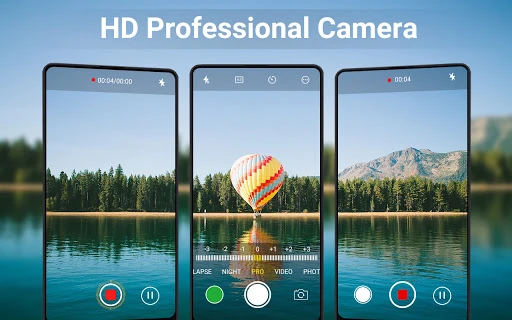
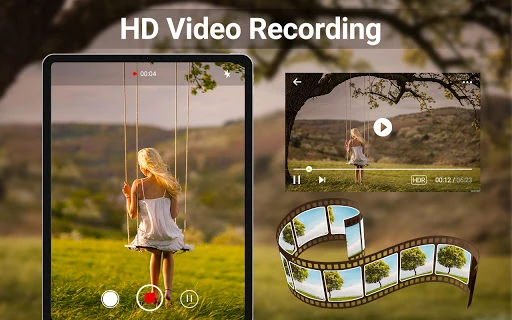
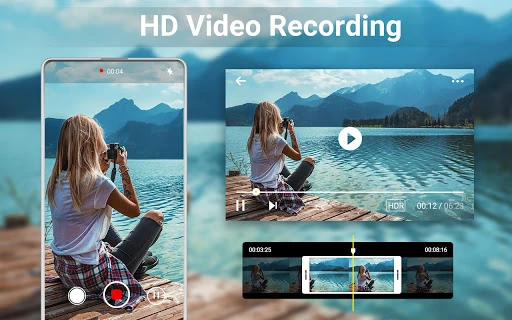
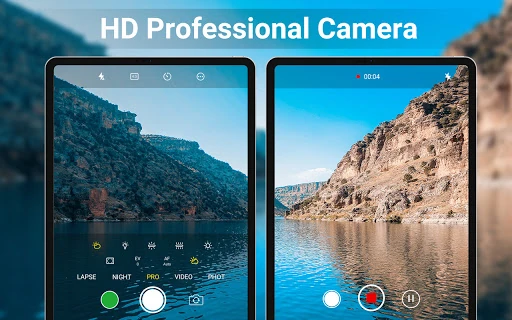
HD Camera for Android: 4K Cam is a photography app for people who want more control than a standard phone camera usually provides. It combines photo capture, 4K video recording, beauty effects and basic editing tools in one app. It suits casual users who want quick enhancements, as well as photography enthusiasts who prefer to adjust camera settings themselves.
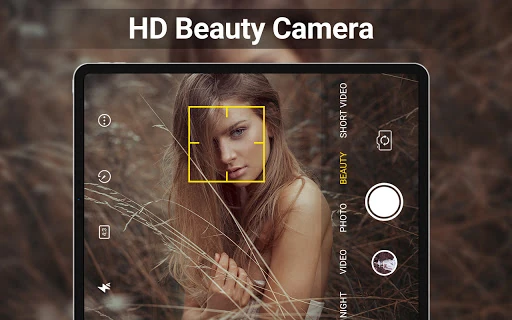
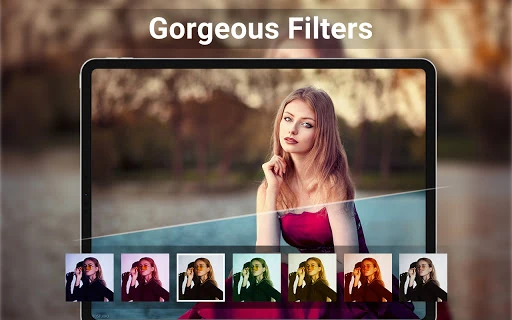
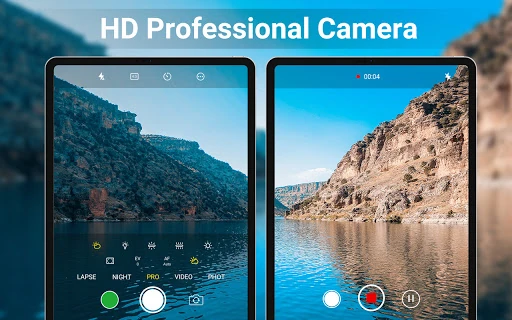
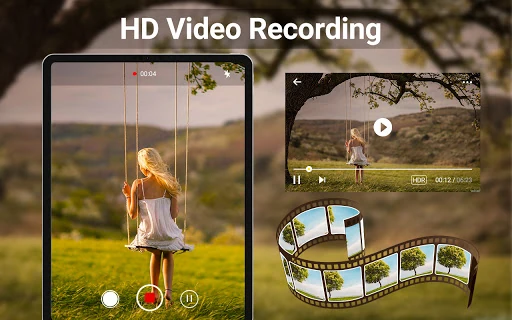
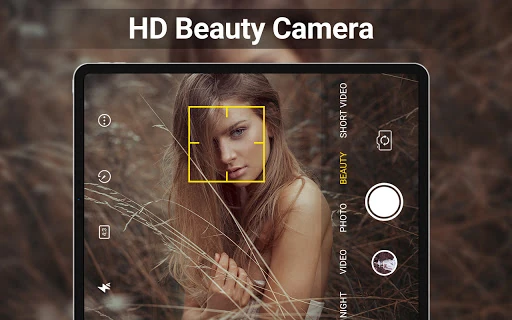
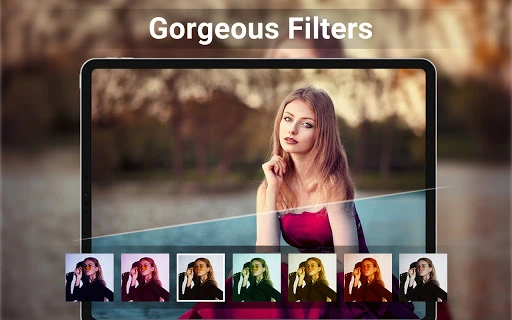
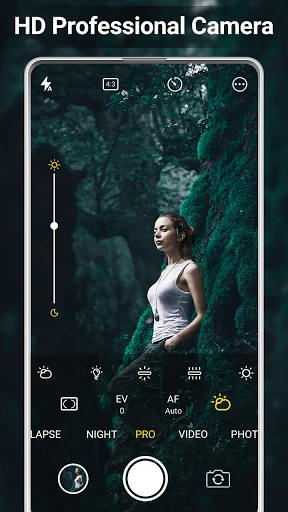
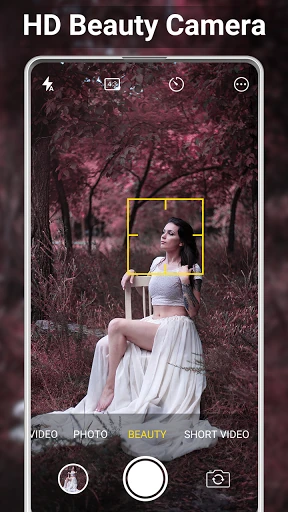
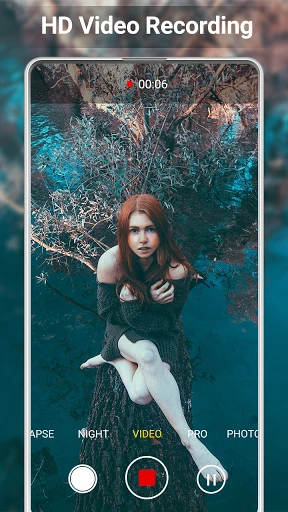
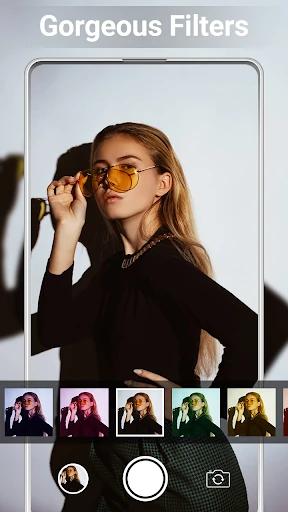
The app includes manual controls for ISO, white balance and exposure compensation, giving users more options in difficult or changing light. Beauty filters can be previewed while taking a photo, while face detection and composition guides help with framing. On supported devices, 4K recording is available for higher-resolution video capture.
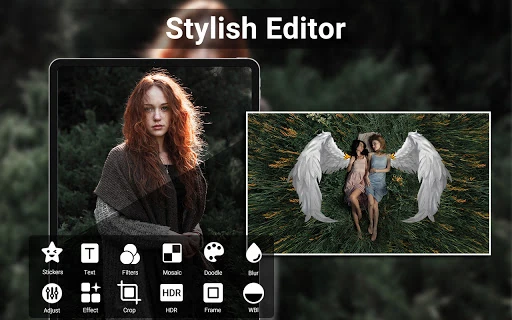
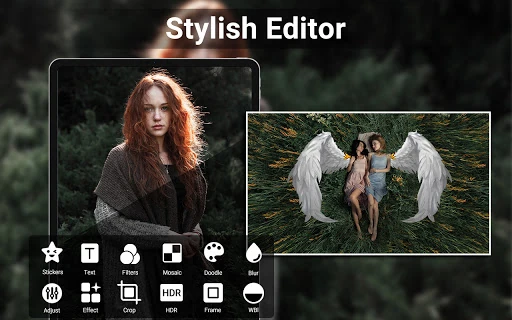
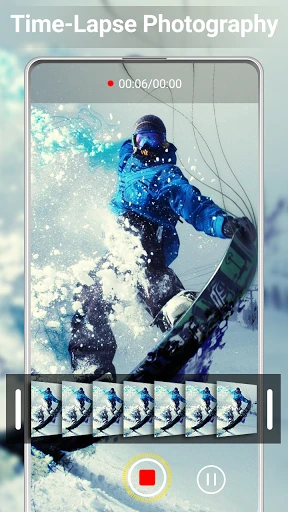
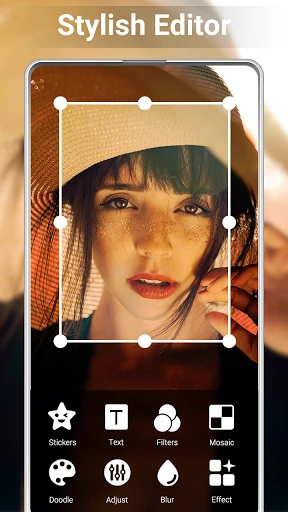
HD Camera for Android: 4K Cam is designed to cover more of the workflow after the shutter is pressed. Users can make basic edits, trim clips and arrange several photos into a collage without moving immediately to another app. The camera also supports saving to external storage where the device allows it, which can be useful when recording larger video files.
Developed by iMediaStar, the app is listed in the Photography category and has more than 10,000,000 installs. Its rating is 4.4653463 from 63,449 reviews. The broad feature set makes it a fit for users looking for a single camera and editing app, though those who only want a simple point-and-shoot interface may find the extra controls unnecessary.